
Claim file software built for modern appraisers.
Manage carrier assignments, Public Adjuster and Attorney referrals, homeowner files, contractor-referred claims, inspections, estimates, position letters, billing, and final packages from one organized command center.
 Preview
One assignment, seven stages, one record.
An appraisal file is a sequence with a dispute at the end of it. Every stage below writes to the same claim record, so the final package assembles from what the file already holds.
Assignment
The carrier or Public Adjuster email opens the file, with attachments captured onto it.
Contact
Insured and contact details on the record, with correspondence threaded to it.
Schedule
The inspection is booked against the property and the claim.
Inspect
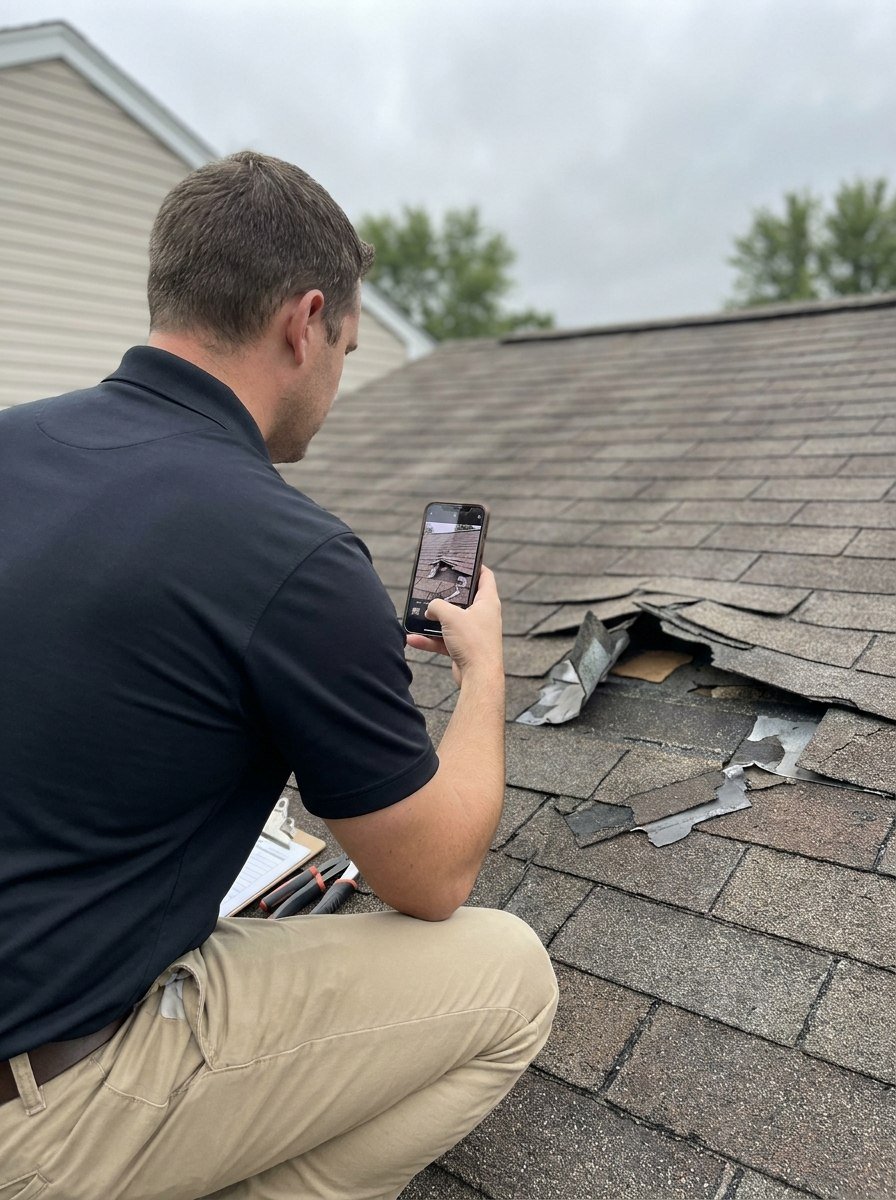
Photos and field notes captured on site, filed by elevation, slope, and room.
Estimate & position
Scope and value built from what was observed; the position letter goes out.
Opposing appraiser & umpire
The other side, revisions, and umpire activity recorded on the same file.
Final package
The closeout checklist runs against the record, then the invoice.
The stages the file actually moves through
This workflow has two outcomes, and the file follows whichever one the work takes.
- File received
- File documents reviewed
- Contact made with opposing appraiser
- Schedule inspection
- Inspection completed
- Working on estimate/position
- Negotiations between panel
- Agreement is made
- Complete appraisal report
- Send to client
- File received
- File documents reviewed
- Contact made with opposing appraiser
- Schedule inspection
- Inspection completed
- Working on estimate/position
- Negotiations between panel
- Impasse is reached
- Umpire is invoked
- 2nd panel inspection scheduled
- Panel negotiations
- Agreement is reached
- Complete appraisal report
- Send to client
What goes wrong between the assignment and the final package
Work arrives from everywhere
Carrier portals, IA firms, PAs, attorneys, and homeowners all send work differently. Without separate workflows it blurs into one inbox.
Inspections and estimates scattered
Measurements, field photos, and scope end up in three tools and none of them is the file.
Position letters and umpire status
Positions, umpire activity, and award status belong on the file where the next person can find them.
Billing and final packages
Invoices per assignment and complete final packages are hard to assemble when documents live everywhere.
How work reaches appraisers, and how it runs
Files arrive from more than one direction. Each source of work gets its own intake, statuses, templates, and automations.
Carrier Files
Carrier, IA firm, and appraisal vendor assignments.
Public Adjuster / Attorney Referrals
Appraisal demands, disputed scope, and evidence.
Homeowner Direct Files
Direct homeowner claims and document collection.
Contractor Referrals
Contractor-referred leads converted to active files.
Assignment received
Email intake captures the assignment and stages documents on a new file in the right workflow.
Inspection scheduled
Book the site visit, log measurements, and attach field photos to the file.
Estimate & position
Build scope and value, send the position letter, and track umpire status on disputed files.
Final package & invoice
Assemble the final package, invoice the assignment, and close with full audit history.
The workspace, on one open file
A look at the command center, organized around this role's workflows.
The parts appraisers live in
Assignments arrive from carriers, PAs, attorneys, and homeowners. These are the parts of the file an appraiser touches on every one of them.
Claim File Hub
Every document, photo, estimate, note, and task organized per claim file — searchable and audit-ready.
Email-to-File Intake
Capture incoming email, group related messages, and stage attachments straight onto the right file.
Client Workflows
Separate pipelines for carrier, Public Adjuster / Attorney, and homeowner work — connected under one HQ.
Scheduling
Track appointments and inspections against the claim file.
Billing & Invoicing
Generate invoices per file or assignment and track outstanding balances through closeout.
Photo Engine
On-site capture against the claim, appraisal-shaped photo sets, and report-ready output.
Schedule Engine
Route-aware inspection planning, recommended times, and a booking approval queue.
Where appraisers usually start
Appraisers start on their own files and move up when staff or outside appraisers join the work.
Solo operation
You appraise your own files end to end.
Solo Professional$199/moInternal team
Staff, Reviewer / QA Analysts, and appraisers work the same files in one office.
Team$499/moExternal assignment network
You dispatch assignments across partner companies, 1099 contractors, and staff, and review what comes back.
Partner Network$599/mo
Schedule Engine and Photo Engine are optional modules, priced separately. See pricing for full plan and module details.
Resources for appraisers
Free, ungated guides and checklists for running organized claim files.
Run every claim file from one command center
Start a free trial and run a real file through intake, inspection, position, and closeout.