
Capture evidence where the claim happens.
The inspection is the one part of the file that cannot be recreated later. Photos, measurements, and notes are captured against the claim on-site and arrive already organized — by elevation, roof slope, and room — in the structure a report actually needs.
Capture
On site, against the claim — not into a camera roll.
Organize
Into elevation, roof slope, and room sets as they arrive.
Closeout
Straight into the position letter and the final package.
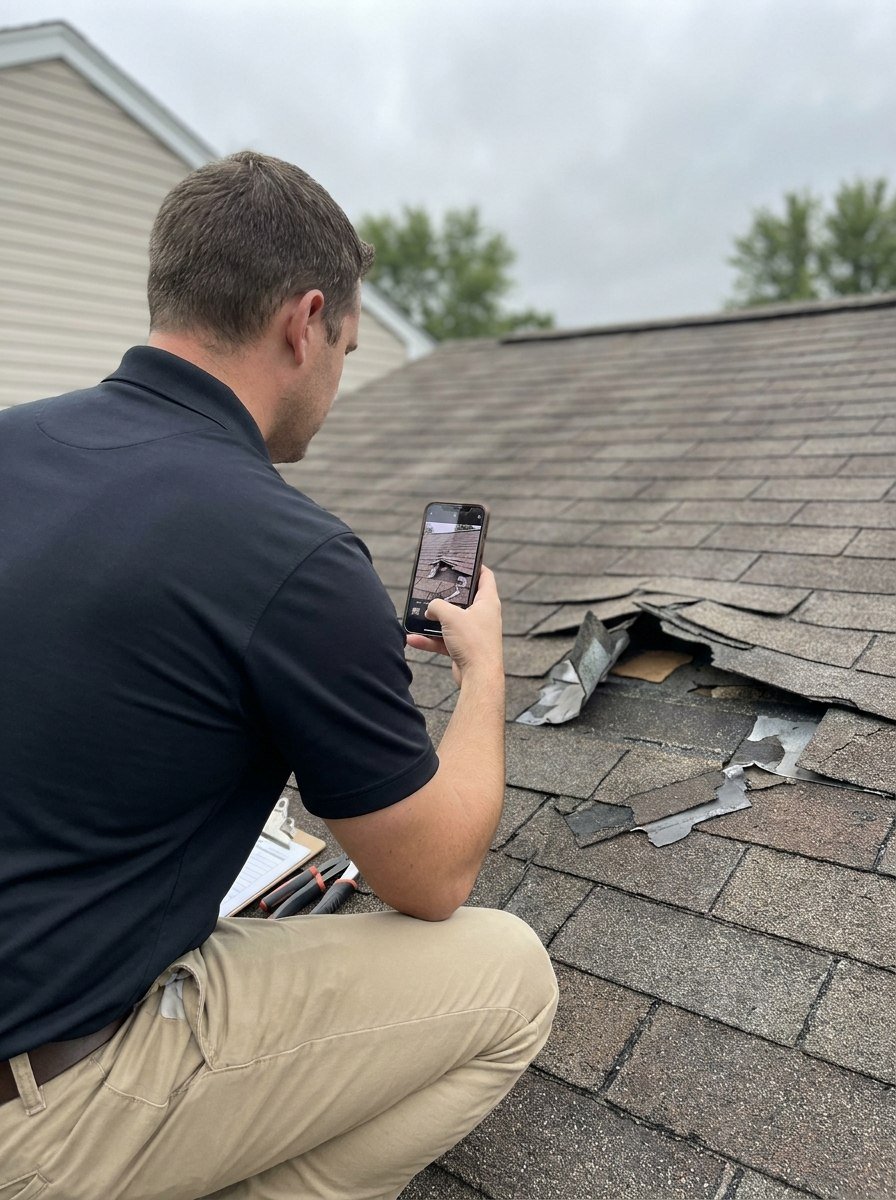
Photo sets · CFH-28451
- Roof — north slope
- Roof — south slope
- Roof — test squares
- Elevation — east
- Elevation — north
- Interior — ceiling
- Interior — wall
- Interior — cabinets
These sets are the structure the position letter and final package are assembled from — no re-sorting a camera roll afterward.
Captured against the claim
Every photo is associated with the claim file and its photo set at the moment it is taken.
Appraisal-shaped photo sets
Elevations, roof slopes, test squares, and rooms — the structure a scope and a report are built from.
Field notes on the record
Observations recorded on site thread into the file's history alongside the photographs.
Report-ready output
Photo sets come out of the file already ordered for the position letter and the final package.
A photo app gives you organized photos. Then they live in a photo app.
Dedicated field-photo tools do the capture part well. The question is where the photographs end up: in a separate system that has to be integrated, exported, or opened alongside the claim — or on the claim file itself, next to the assignment email, the estimate, the position letter, and the invoice.
| Capability | Standalone photo app | ClaimFileHQ Photo Engine |
|---|---|---|
| Photos tagged to a job or address | Yes | Yes |
| Timestamped, organized galleries | Yes | Yes |
| Photos live on the claim file itself | No | Yes |
| Same record as documents, tasks, and correspondence | No | Yes |
| Sets structured for appraisal scope and reports | No | Yes |
| Feeds the final package directly | No | Yes |
| One platform and one login | No | Yes |
CompanyCam and tools like it are strong photo-documentation products built for contractors and job sites. The difference is scope: they organize photographs around a project, and ClaimFileHQ organizes the whole claim — with the photographs as one part of the same record.
Calendly and CompanyCam are trademarks of their respective owners and are not affiliated with, and do not endorse, ClaimFileHQ. Comparisons describe general product positioning as of this page's last update, not a feature-by-feature audit; check each vendor's own documentation for current capabilities.