
Claim files, photos and the day's schedule, on your phone.
ClaimFileHQ Field is the field companion to ClaimFileHQ for inspectors and appraisers. It opens on Today, with Files, Alerts and Calendar a tap away.
Coming to iPhone and Android

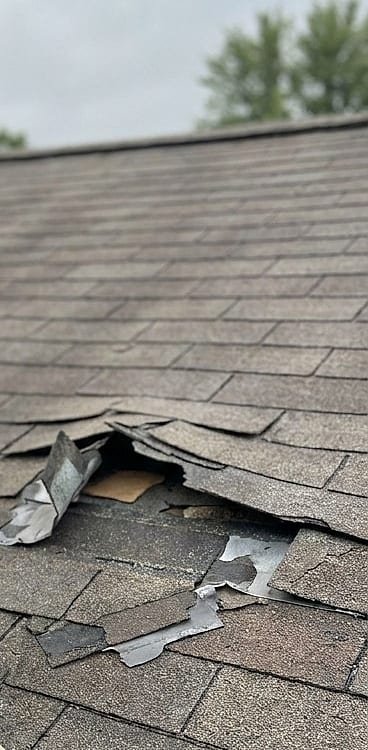




Photos are sent when the app is open and back online, and the gallery counts them in.
- Open the next appointmentToday lists the day's appointments with the drive between them. Tap the next one to open its file.
- Capture photosFrom the file, continue photo capture. Each photo is saved on the phone first.
- Drag to selectIn the gallery, tap Select, then drag across photos to select a run.
- Label them togetherChoose a folder and a label template. Save labels the whole selection.
- Sync when you are back onlinePhotos are sent when the app is open and back online, and the gallery counts them in.
Today, the route and directions
Your appointments for the day, the drive between them, and directions to the property. Street View shows the property from the street before you arrive.
Photos saved on the phone first
Take photos inside the app and they are kept on the phone, then sent when the app is open and back online. Unsent photos stay until they are uploaded or you discard them.
Drag to select, then label together
Drag across photos to select a run, then label them all at once. Folders and templates come from your organization.
Notes and tasks without a signal
Add notes, and complete or create tasks on a file, with or without a connection. They are sent when the app is open and back online.
Locked when you step away
App lock with Face ID or your device passcode. Screens that show one file's details block screenshots.
Your organization's account
Sign in with the account your organization provides. Notifications, when your organization turns them on, open the file from the alert.
Apple and iPhone are trademarks of Apple Inc. Android and Google Maps are trademarks of Google LLC. They are not affiliated with and do not endorse ClaimFileHQ.
Run your next claim from one file.
Start a 15-day free trial and take a real claim from intake to invoice, or ask for a walkthrough first.
Every plan starts with a 15-day free trial. A card is required to start it.
When the trial ends, your card is charged the plan’s monthly price, plus any add-ons you choose, and the plan renews monthly until you cancel. Cancel anytime in Settings → Billing; it takes effect at the end of the current period, so cancelling during the trial means you are not charged.
Not sure which plan? Compare plans and modules